



.avif)



We can help.

Get the Chip App
Scan the QR code to download the app.


or get a download link via email.


Investing just got rewarding
Wealth Tiers recognise you as you invest with Chip at no extra cost, starting with the opportunity to unlock a higher Smart Cash ISA interest rate. Opt in required.
When investing your capital is at risk.
18+ UK tax residents and app only. Eligibility & T&Cs apply.
Tax treatment depends on your individual circumstances and may change.
THE PATH TO PRIVILEGES
Here’s how you get there
Opt in and Invest with Chip to qualify1
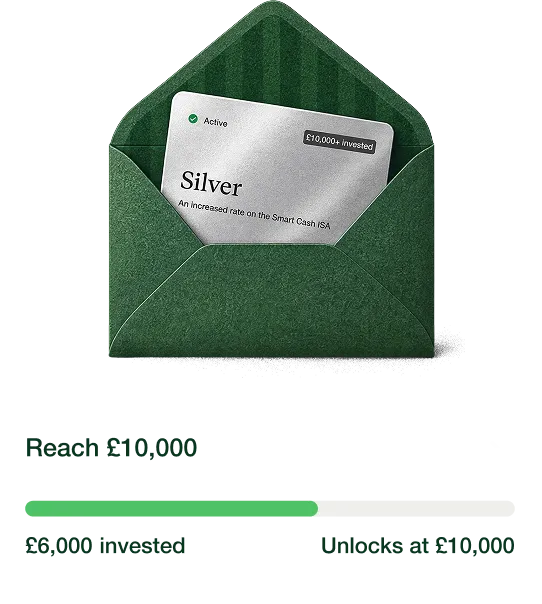
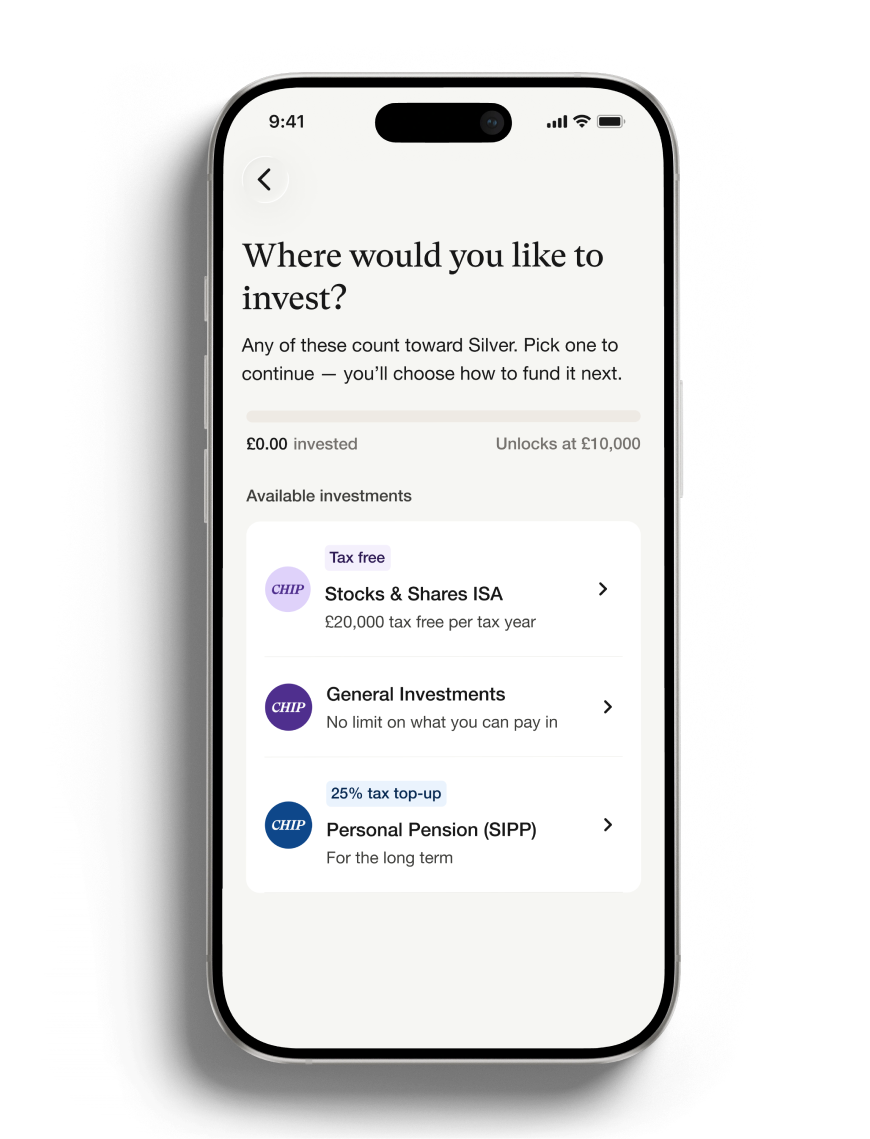
Reach £10k in eligible investments to unlock Silver
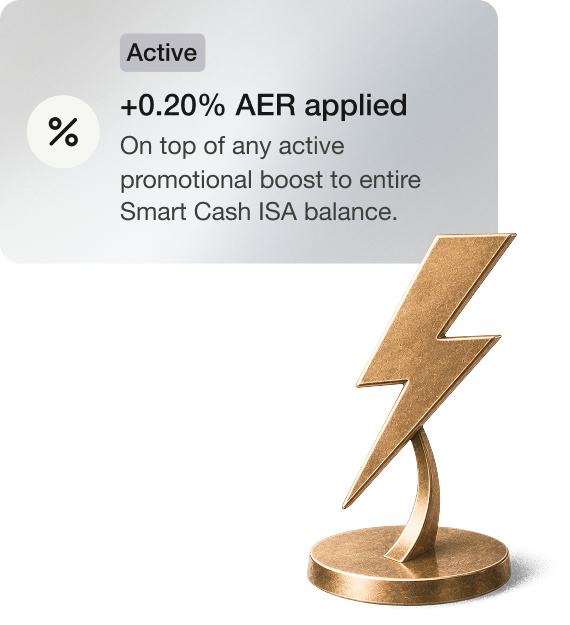
Start earning a higher Smart Cash ISA rate
1Eligible investments across Chip Stocks & Shares ISA, GIA or Pension. The Smart Cash ISA is provided by Chip Financial (Investments) Ltd. ISA limits apply, deposit up to £20k this tax year. Terms apply. Capital at risk. You should only invest in line with what you can afford, and in line with your risk preferences. Tax treatment depends on your individual circumstances and may change.


What counts towards Silver tier

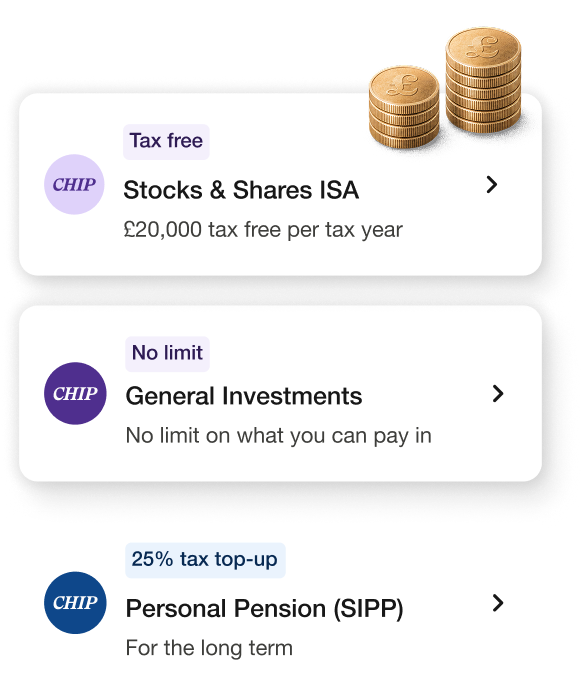
Stocks, shares and pensions
Your Stocks & Shares ISA, General Investment Account and Self-Invested Personal Pension all count. Cash savings don't.

Checked twice a day
It's based on what your investments are worth, not what you've paid in. Opt-in to Wealth Tiers, reach £10,000 and your Silver tier activates within 12 hours.

Already invested elsewhere?
Move it to Chip in a single transfer and it immediately counts towards Silver.
Help shape future Wealth Tiers
We’ve got lots more in the works to reward our members for investing, including potential Gold and Black tiers, with even more benefits. What kind of privileges would you like access to? Let us know below.
Any questions?
Wealth Tiers are new, so it's only fair you'd have a few.
You don't pay to join or stay in a tier. You reach Silver by holding investments with Chip, not by paying a fee. Wealth Tiers is opt-in. On your Profile screen, you'll see a card inviting you to explore the programme. Tap through, read the terms and continue to join. Once you've joined, we'll check your investment balance and show you your tier and any benefits you've unlocked.
Your benefits screen shows the full breakdown of your rate, including your underlying rate, any promotional rate and your Silver increase, so you can see how your total rate is made up.
We're exploring other tiers, and you can tell us in the app what benefits you'd like to see from them.
Any future tiers or benefits shown in the app aren't available yet and aren't a commitment that we'll introduce them.